

How to Make a Wall Mural From Your Own Photo
By: Bridget B.
Updated: April 2026
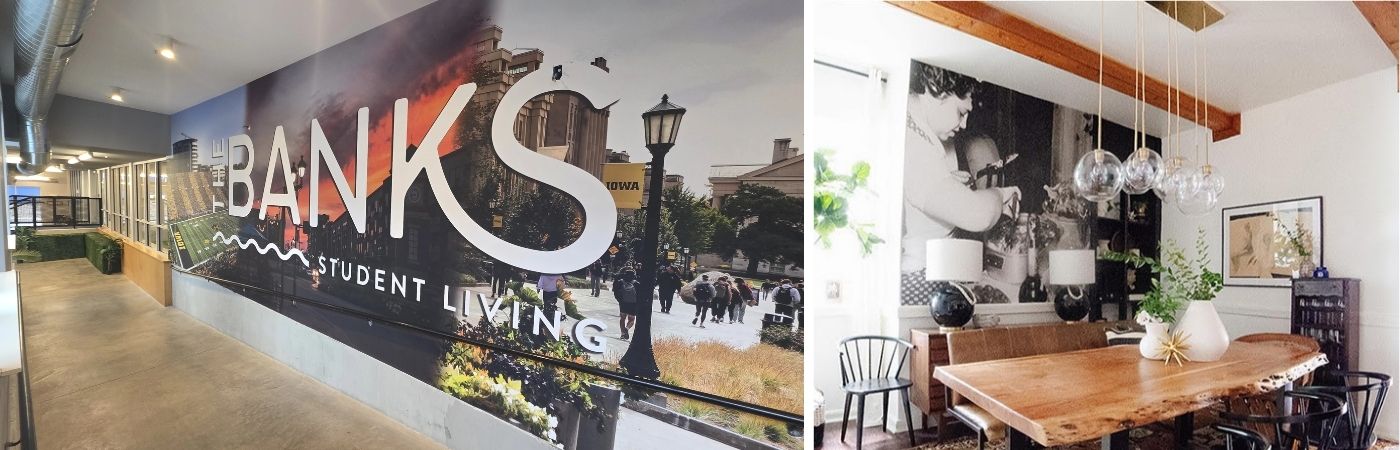
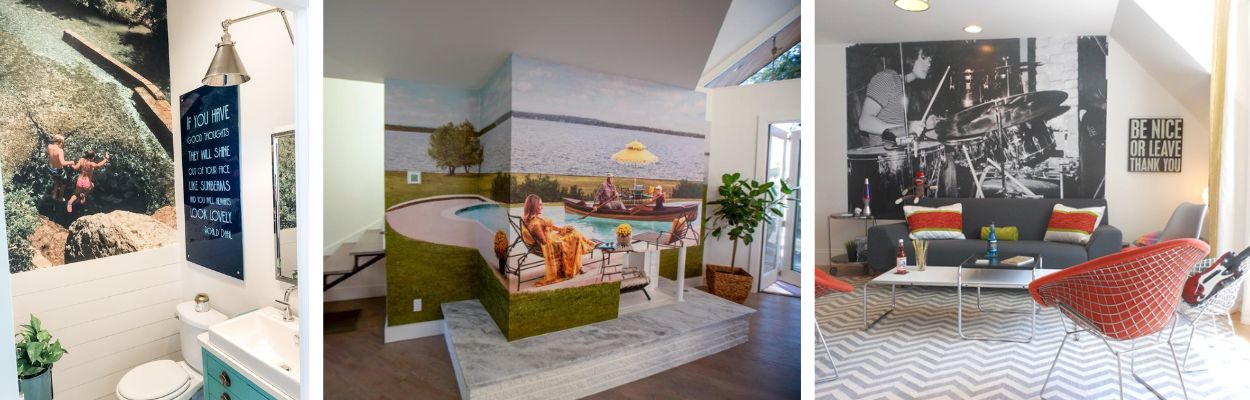
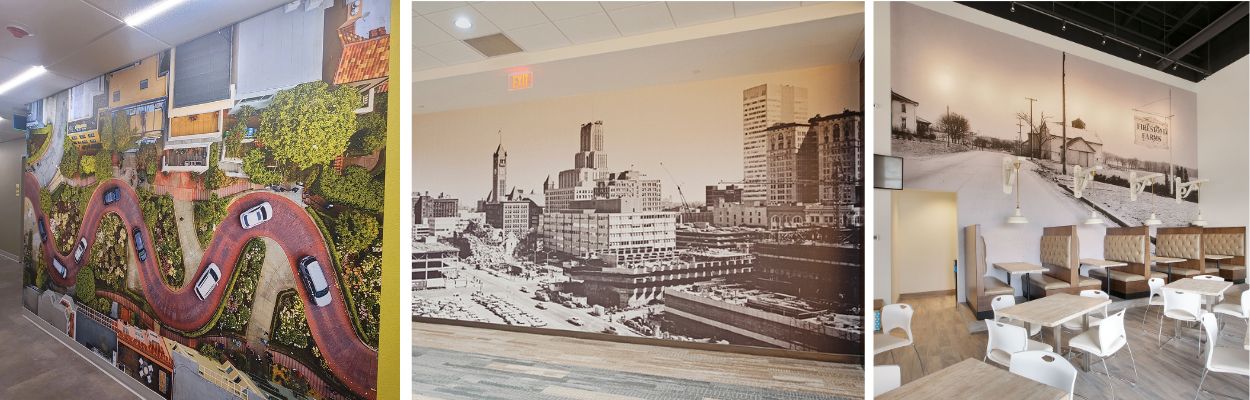
One of the most powerful ways to make a statement is by transforming your own photography into a large scale wall mural. Whether it’s a breathtaking landscape from your last trip or a cherished family moment, a custom mural turns a blank wall into an immersive experience.
Businesses and designers can also use branded artwork, original illustrations, or licensed imagery to create custom wall murals that reinforce identity, storytelling, and visual impact in commercial spaces. If you're ready to turn your image into a mural, you can upload your photo directly using our Create Your Own Mural tool.


Photo Requirements for Wall Murals (Resolution, DPI & File Size)
Not every photo is destined for a full wall. For a professional finish, prioritize these technical specs:
- Resolution is Key: Aim for at least 300 DPI (dots per inch) for the sharpest results. If you're enlarging a digital image, it should ideally be at least 8 Megapixels.
- Stability Matters: If taking a new photo, use a tripod to prevent the micro-blurs that become glaringly obvious when blown up to mural size.
- Lighting: Choose images with good lighting and clarity.
- Scanning Old Photos: To use physical vintage photos, scan them at 600–1200 DPI and save them as a less-compressed TIFF file to preserve maximum detail.
- Ask For Help: Murals Your Way is available to help should you have questions or are unsure if your photo will work.

What Makes a Photo Good Enough for a Wall Mural?
Not all images scale well to mural size. The best results come from photos that are high resolution, well-lit, and free of motion blur. Images that look sharp on a phone or computer may appear pixelated when enlarged, so it’s important to start with the highest quality file possible.
How To Order Your Custom Mural
To upload and purchase a custom mural from your personal photo, follow this four-step process:
1. Upload Your Photo
- Direct Upload: Use the Create Your Own Mural feature to upload .jpg or .jpeg files directly if they are under 100MB.
2. Customize Dimensions and Crop
- Enter Measurements: Input your wall's precise height and width or choose one of the standard sizes.
- Cropping: If needed, use the built in tool to adjust how your photo fits your specific wall dimensions.
3. Select Material
Choose a material based on your space and installation preference:
- Prepasted Wallpaper: Water-activated adhesive for easy application.
- Vinyl HD - Texture: A durable, commercial-grade option.
- EnviroPro - Texture: An Eco Friendly option Perfect for both home or business.
- SmartStick®: Peel-and-stick removable wallcovering.
- Eco Bella Texture-Eco friendly, Commercial grade wallcovering
- VersaGrip ™ Extremely durable, removable and scratch resistant peel & stick.
4. Review and Purchase
- Click "Add To Cart" to start the purchase flow
- Review and approve your crop
Your mural will be added to your cart and you can then click "Checkout" to complete your purchase.
Few Important Reminders
- Alternative Files: If your file is larger than 100MB or in a different format (such as .png, .pdf, .ai, .eps, .psd, or .tiff), use the CYO File Upload Form.
- Smartphone Photos: Most smartphone cameras do not offer a high enough resolution image for a wall mural. If you want to use one, send it to us and we can review to determine if it will work.
- Digital Proof: For complex orders or large files sent via the upload form, an account manager will provide a digital proof for your approval.
- Ordering Samples: You can order a custom 8” x 10” sample of your photo on any material for $20 to verify colors before committing to the full mural.
- Fulfillment: Once ordered, murals are typically printed and shipped within approximately 7 business days.
Frequently Asked Questions About Custom Photo Wall Murals
Frequently Asked Questions About Custom Photo Wall Murals
Can I make a wall mural from my own photo?
Yes. You can turn your own photo into a custom wall mural as long as it meets basic resolution and quality requirements. Higher-resolution images produce the best results, especially for large wall sizes.
What resolution does my photo need for a wall mural?
For the sharpest results, your image should ideally be at least 300 DPI at final print size. As a general guideline, photos that are 8 megapixels or higher work best for most wall mural applications.
Can I use photos from my phone?
Sometimes. Many smartphone photos do not have enough resolution for large wall murals, especially when enlarged significantly. If you’re unsure, you can upload your image and our team will review it to determine whether it will work.
Can I use an old or printed photo for a wall mural?
Yes. Physical photos can be scanned and used for murals. For best results, scan old photos at 600–1200 DPI and save them as a high-quality file format such as TIFF to preserve detail.
What file types can I upload for a custom mural?
You can upload JPG or JPEG files under 100MB directly through the Create Your Own Mural tool. For larger files or other formats—such as PNG, PDF, AI, EPS, PSD, or TIFF—you can submit them using the CYO File Upload Form.
What DPI is best for a wall mural?
For the best print quality, wall murals are typically printed at around 150–300 DPI at full size. Higher resolution images will produce sharper results, especially for large wall applications.
Can I crop or resize my photo to fit my wall?
Yes. During the ordering process, you’ll enter your wall’s dimensions and use the built-in cropping tool to adjust how your photo fits your space. This ensures the mural is scaled correctly for your wall.
Will I see a proof before my mural is printed?
For complex orders or large files submitted through the upload form, an account manager will provide a digital proof for your approval before printing. This helps ensure your image looks exactly how you expect.
Can I order a sample before committing to a full wall mural?
Yes. You can order an 8” × 10” sample of your photo on any material for $20. This allows you to check color accuracy and material finish before placing a full mural order.
We Are Here To Help
Our team of Account Managers are ready to answer all of your questions and help you place your order. Give us a call at 888.558.0279 or send us an email.